The 7 Website Redesign Mistakes That Destroy SEO Rankings (And How to Prevent Them)
How to redesign and modernize an existing website without losing organic search traffic, keyword rankings, or backlinks. Complete pre-launch 301 redirect and URL mapping checklist.
Key Takeaways
AI-Assisted Summary
AI-Assisted Summary
Preparing your key takeaways...
AI-Assisted Planning Guide
Educational Summary
Preparing a summary for "The 7 Website Redesign Mistakes That Destroy SEO Rankings (And How to Prevent Them)"
Building an educational summary from our calculators and guides...
The Golden Rule of Redesign:
Never launch a redesigned website without a comprehensive 1:1 URL mapping & 301 redirect strategy. Changing URL structures or removing legacy ranking content without redirects can wipe out years of organic search traffic overnight.
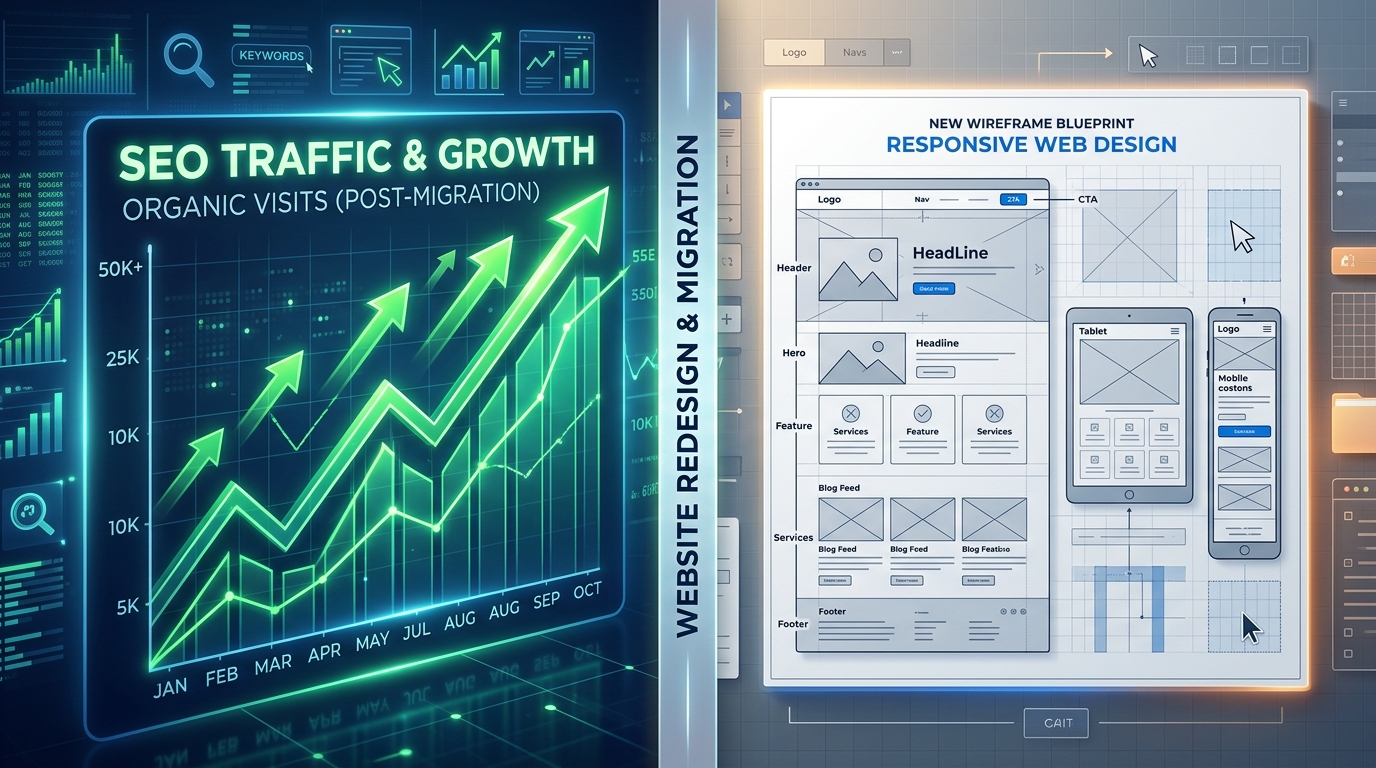
A website redesign should accelerate business growth—not trigger a 50% drop in Google organic search traffic. Yet every year, hundreds of businesses relaunch their sites only to find their ranking keywords vanished.
The 7 Critical Redesign Traps
1. Missing or Broken 301 Redirects
When old URLs change (e.g., from /services/web-design.php to /services/web-design/), search crawlers encounter 404 errors and drop the page from the index. Permanent 301 redirects preserve accumulated link equity.
2. Removing High-Ranking Educational Content
Designers often prune long-form text in favor of minimalist visuals. If that text contained ranking keywords and answered user search intent, removing it destroys search relevance.
3. Altering Heading Hierarchies (H1 / H2 / H3)
Replacing semantic `<h1>` headings with generic styling divs breaks page document outlines for search crawlers and screen readers.
4. Accidental `noindex` or Blocked robots.txt
Staging environments frequently use noindex, nofollow tags. Forgetting to remove these directives when pushing to production is the #1 cause of catastrophic de-indexing.
5. Core Web Vitals Regression
Heavy JavaScript animation libraries and unoptimized full-screen video banners can slow mobile load times, triggering algorithmic ranking penalties.
Redesign with Confidence
Preserve your existing SEO equity while delivering a modern, high-converting digital experience. Partner with UI Designer's Website Redesign Team.
eCalcy Editorial Team · Financial Content Specialist
Last Reviewed: August 2026
Every article published on eCalcy is reviewed against public sources such as RBI monetary policy frameworks, SEBI regulatory guidelines, and Union Budget 2025-26 provisions. Our editorial team does not accept payment for content rankings. This guide is educational only — not personalized financial, legal, or tax advice. Please consult a SEBI-registered advisor before acting.
Related Tools For This Topic
Use these calculators to convert the ideas in this article into a concrete plan.
Deep-Dive Content Clusters
Master the psychology and math of web design with our complementary strategy guides.